
Google Business Profile Optimization: A Practical Checklist
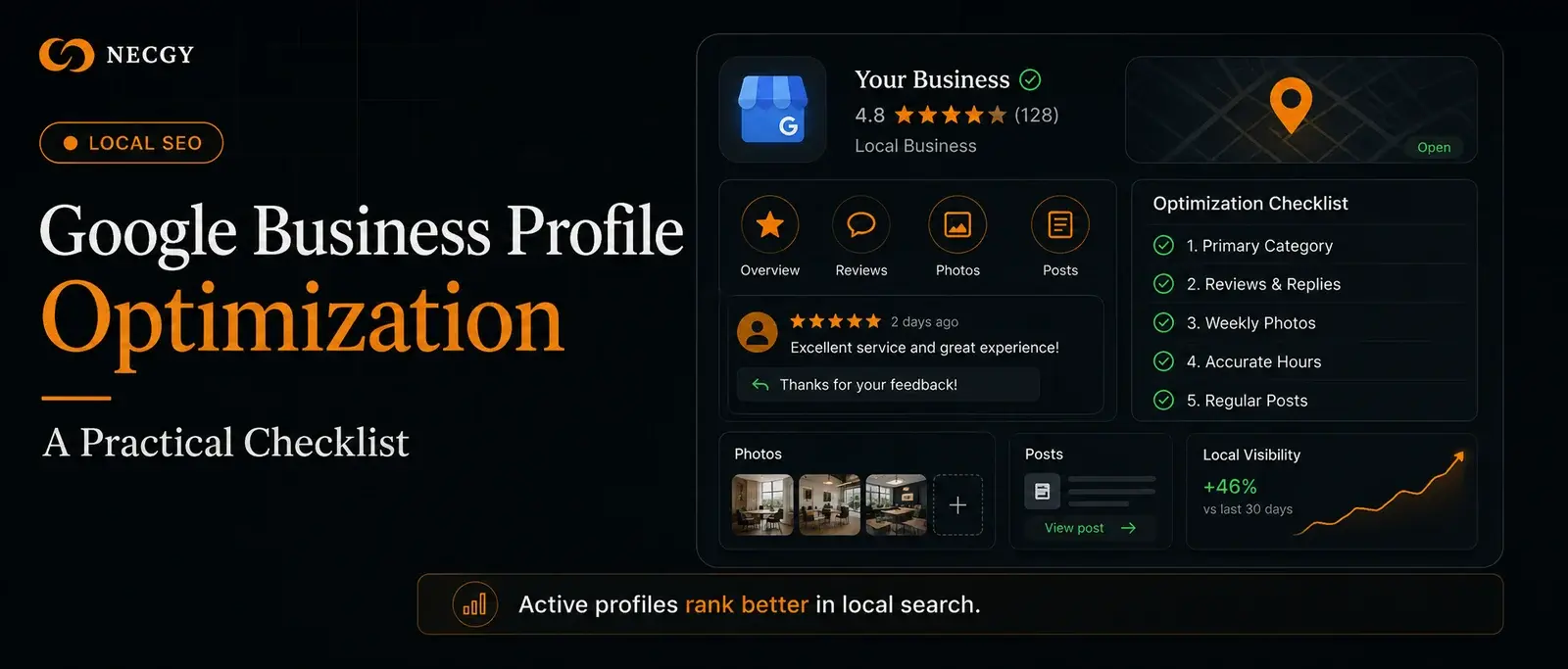
To optimize a Google Business Profile: complete every field, choose the most specific primary category, add photos weekly, collect and respond to reviews consistently, keep hours accurate, and publish posts regularly. Profile activity and review velocity are the strongest controllable ranking signals.
Key takeaways
- Your primary category is the single most important profile setting
- Review velocity and responses influence rankings more than review count alone
- Weekly photo uploads and posts signal an active business
Why your Google Business Profile matters
For local searches, the map pack appears above every organic result. Your Google Business Profile is the ranking entity there — not your website. An optimized profile can outrank competitors with far stronger websites.
The optimization checklist
Work through these items in order. The early ones have the largest ranking impact.
- Choose the most specific primary category available
- Add every relevant secondary category
- Complete every profile field — services, attributes, description
- Verify accurate hours, including holidays
- Upload real photos weekly (exterior, interior, team, work)
- Build a consistent review generation system
- Respond to every review within 48 hours
- Publish Google Posts at least weekly
- Answer Q&A questions before customers do
- Keep name, address, phone identical across the web
Common mistakes to avoid
Keyword stuffing your business name violates Google's guidelines and risks suspension. Ignoring negative reviews damages both rankings and conversions. Letting your profile go dormant tells Google the business may be inactive.
Recent articles
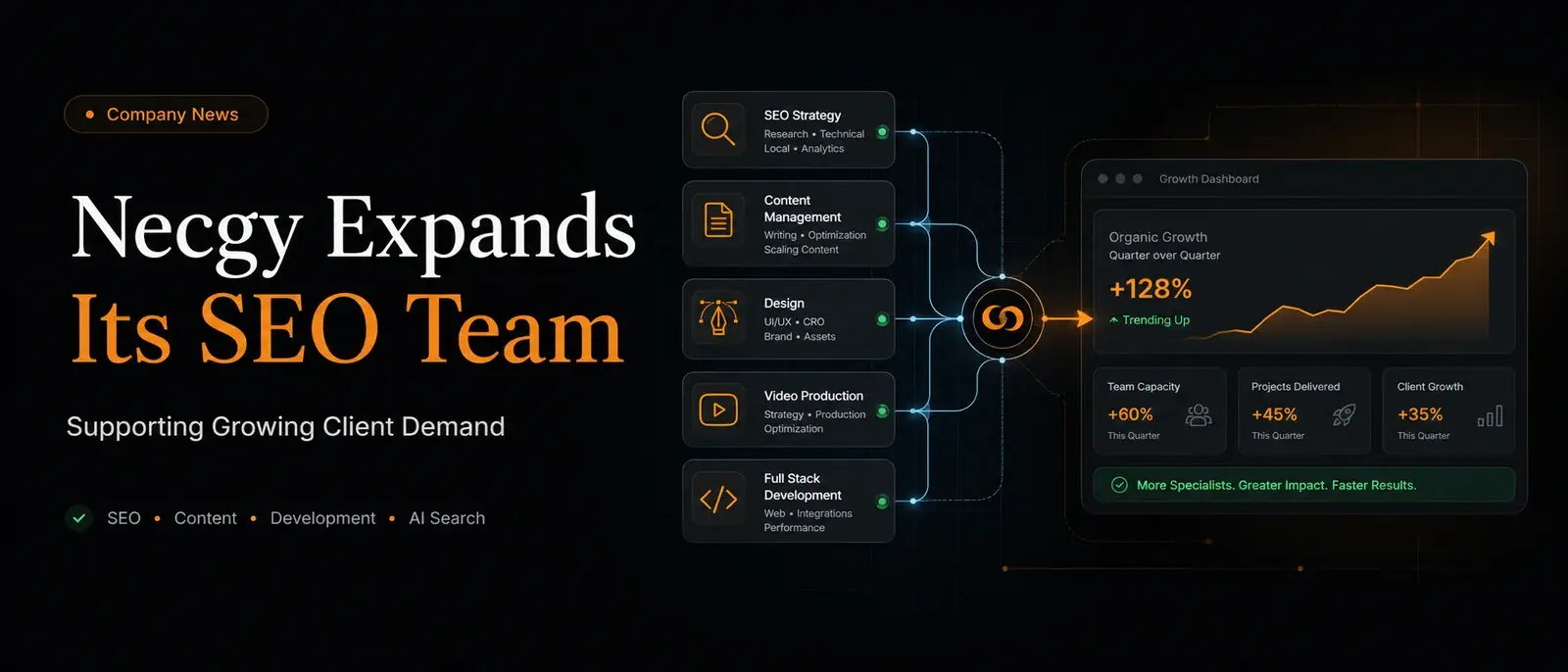
Necgy Expands Its SEO Team to Support Growing Client Demand
Necgy has grown its SEO and content team to support new client campaigns across local and international markets.

AI Search Optimization: How to Get Cited by ChatGPT and Google AI
AI assistants now shape buying decisions. Here's how to structure your content so ChatGPT, Gemini, Perplexity, and Google AI Overviews cite and recommend your business.
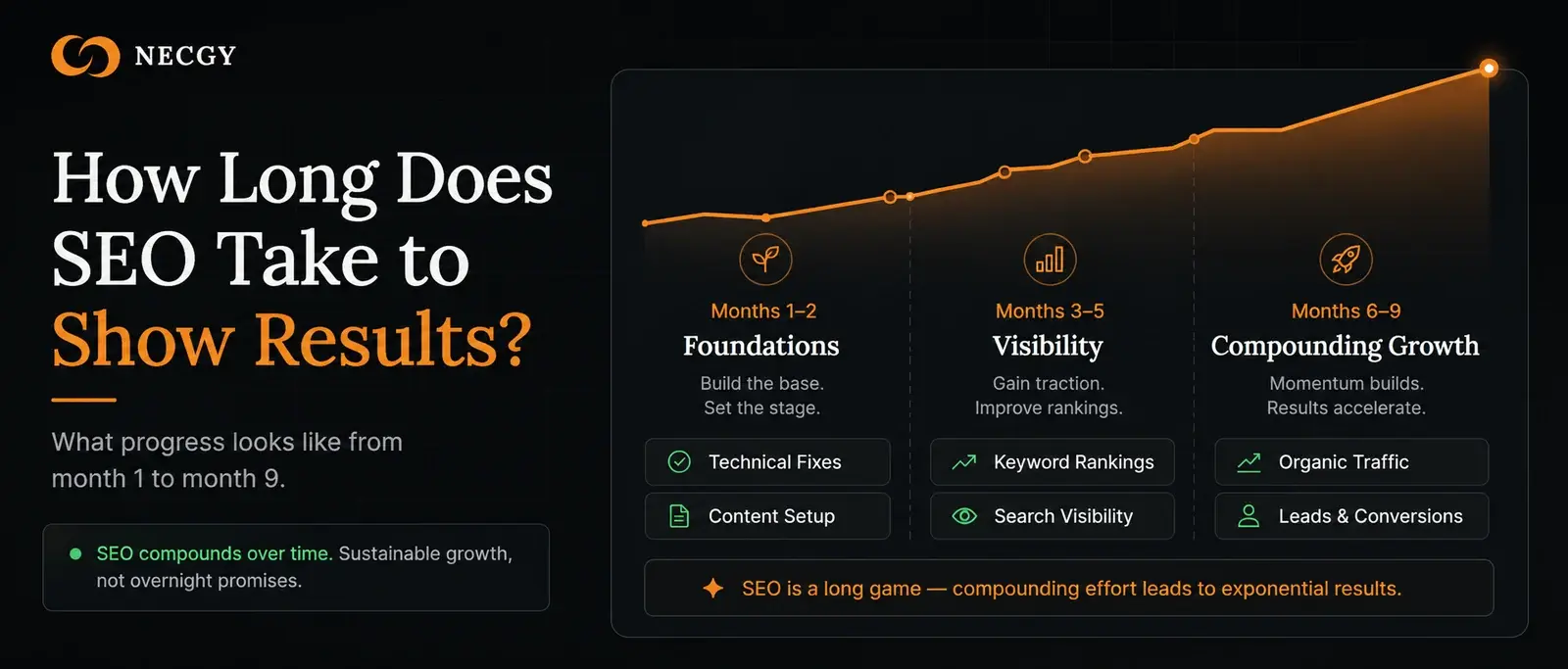
How Long Does SEO Take to Show Results?
The honest answer to the most common SEO question — what affects the timeline, what progress looks like month by month, and when to expect leads.